
Download Separated Apps APK – Corporate App Management, Enterprise Security, Mobile Device Management, Work Data Protection
Overview
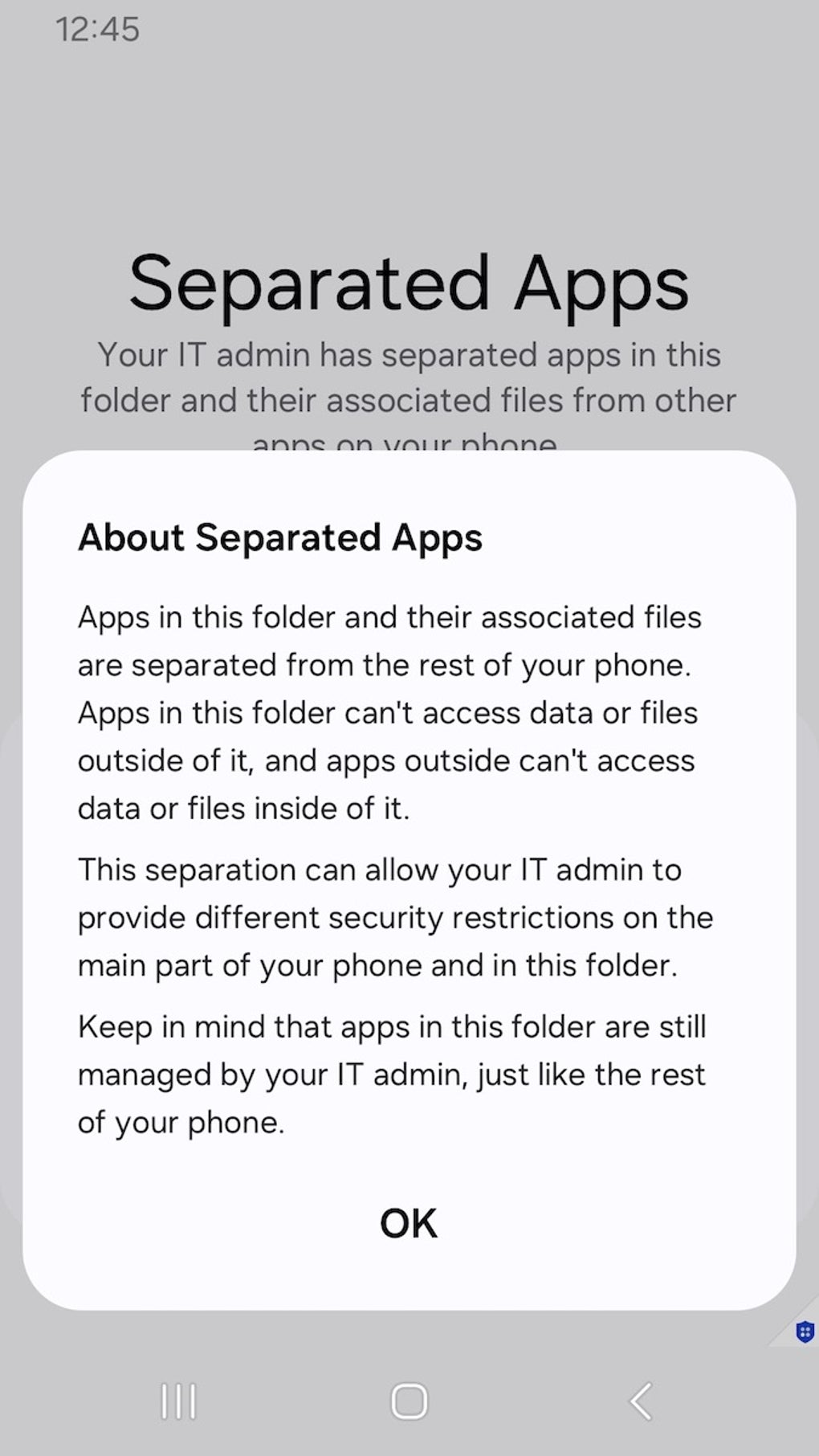
Separated Apps is a specialized enterprise-grade tool designed to enhance security and data protection within corporate environments. Developed by Samsung, the application enables IT administrators to create a secure, isolated zone on fully managed devices, where business-critical applications can be installed and operated independently from personal apps. This segregation ensures that sensitive work data remains protected from unauthorized access, data leakage, or inadvertent sharing—common risks in mixed-use mobile environments. The software is specifically tailored for large organizations that rely on mobile devices for daily operations, offering centralized control over app deployment, usage, and monitoring. By leveraging integration with Unified Endpoint Management (UEM) platforms, IT teams can efficiently deploy and manage the secure app environment at scale. The app supports essential productivity tools such as Google Chrome, Microsoft Office (where compatible), and native Samsung applications including Calendar, Camera, Gallery, MyFiles, and Video. These pre-installed apps provide a functional foundation for business workflows. The developer did not provide additional system requirements. Exact performance details were not specified. The tool is not intended for personal use and does not function on non-managed devices, ensuring consistent enforcement of security policies across corporate fleets.Key Features & Capabilities
- Secure App Isolation – Creates a dedicated, protected partition on managed devices where corporate applications operate in complete separation from personal apps, minimizing cross-contamination risks.
- UEM Integration – Seamlessly connects with Unified Endpoint Management tools for centralized deployment, configuration, and remote management of the secure app environment.
- Pre-Installed Productivity Apps – Includes essential business tools like Google Chrome, Microsoft Office (subject to device compatibility), and core Samsung apps such as Calendar, Camera, and Gallery for immediate usability.
- Enhanced Data Protection – Reduces exposure to malware and unauthorized data access by isolating sensitive work data within a controlled digital space.
- Administrative Oversight – Enables IT teams to monitor app behavior, enforce compliance, and implement policy controls in real time across all managed devices.
- Flexible App Expansion – Supports the installation of additional approved applications within the secure zone, provided they are managed through the UEM platform.
User Interface, Workflow & Performance
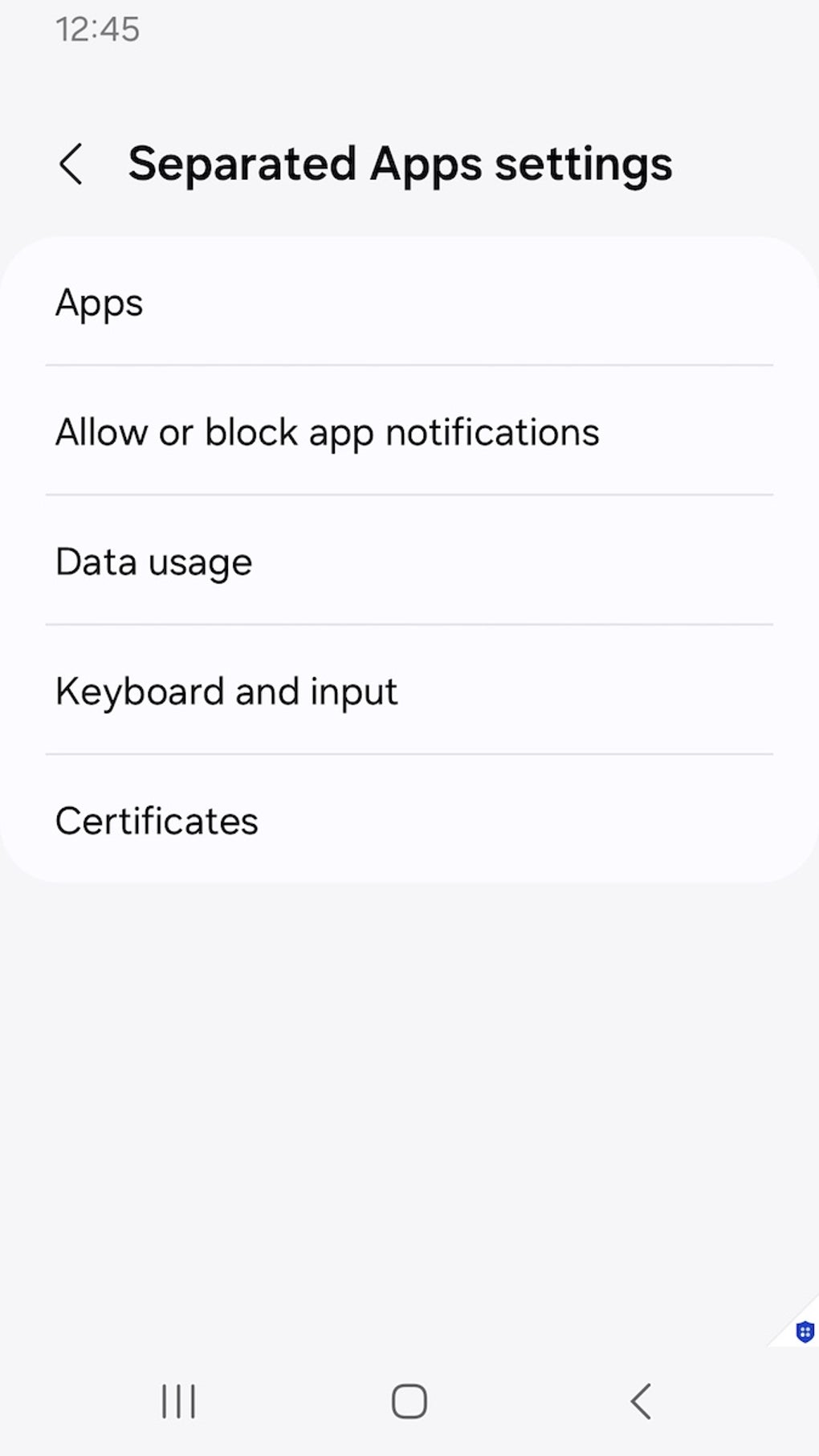
The user interface of Separated Apps is designed for administrative control rather than end-user interaction. As a backend management tool, it does not feature a traditional user-facing interface for employees. Instead, the configuration and monitoring are handled exclusively through the UEM platform used by IT administrators. Navigation within the system is streamlined through centralized dashboards, allowing for efficient deployment, policy assignment, and real-time oversight. The workflow is optimized for scalability, enabling bulk configuration across multiple devices without manual intervention. The developer did not specify resource usage details. Performance observations are based on general software behavior patterns. Stability is expected to be high, given its integration with enterprise-grade UEM systems and deployment on fully managed devices. The application runs in the background, enforcing isolation policies without requiring direct user input. CPU and RAM behavior are not publicly documented. Users should expect minimal impact on device performance when the app is properly configured, as it operates at the system level with optimized resource allocation.Compatibility & System Requirements
Separated Apps is designed for use on fully managed devices running Samsung’s enterprise-focused operating system. The app is compatible with Android-based devices that support Unified Endpoint Management (UEM) integration. The developer did not specify exact system requirements. Compatibility information was partially provided. Installation size is not disclosed. The software does not function on personal or non-managed devices, ensuring that security policies are consistently enforced. It is intended for deployment within controlled corporate environments where IT teams have administrative control over device configurations. No information was provided regarding hardware specifications such as processor, RAM, or storage. Users should consult their UEM provider for detailed compatibility guidance.Pros and Cons
Pros
- Provides strong data isolation for corporate applications on managed devices.
- Integrates with UEM platforms for centralized management and deployment.
- Includes essential productivity apps for immediate business use.
- Enhances compliance with data protection regulations through secure app segregation.
- Free to use, reducing cost barriers for enterprise adoption.
- Designed for scalability across large organizations with multiple devices.
Cons
- Not available for personal or non-managed devices.
- No direct user interface for end-users; management is administrative only.
- Requires UEM infrastructure for deployment and configuration.
- Exact performance and resource usage details were not provided.
- Functionality is limited to Samsung-managed environments.
FAQ Section
Is Separated Apps available for personal devices?
The app is designed exclusively for fully managed corporate devices and does not function on personal or non-managed devices.
Can I use Separated Apps without a UEM platform?
No. The application requires integration with a Unified Endpoint Management (UEM) tool for deployment, configuration, and management.
Is Separated Apps secure?
Yes, the app is engineered to enhance security by isolating corporate apps and data from personal applications, reducing risks of data leakage and unauthorized access.
Does Separated Apps work on all Android devices?
It is designed for Samsung devices that support enterprise management and UEM integration. Compatibility is limited to fully managed devices.
Is there a cost to use Separated Apps?
Yes, the app is currently available for free, making it an accessible option for enterprises seeking robust mobile security without additional licensing fees.






.png)
